As the title suggests, this week was the final week of my image editing class. This one was perhaps the most stressful and draining class I have had as of yet, and it is not because of the course itself, but rather the many technical issues that went on as our printer was not working at the beginning but by the end, it started working again. We moved to a different classroom at the beginning of this course and it is much more crowded and feels like there is not a lot of space. I loved our old classroom, but there’s nothing that can be done about it now.
As for the class, I learned a lot more about Photoshop. Most of it was self-taught through researching tutorials to teach to the class, but I feel that it is a good thing because once I graduate I will have to do a lot of more researching on my own. I wish I had more time currently to get more familiar with the programs, but in between classes and part-time work, it drains all the energy I have left. I am looking forward to my break at the end of December because I plan on getting familiar with all the programs I have learned up to now and practice a little more on them.
Hopefully, I can reach a point where I can share some of my independent works on here and talk about them a little more. As of right now, life must go on so I shall end this post here.
Before I started taking Graphic Design classes, I was the kind of person who would take photos and never edit them. I simply took the photo, saved it on my phone and moved on. But after taking a few classes, I realized just how important it is to edit those photos once taken.
Some people may think that because you edited an image it is no longer “real” and to that, I say it is not a matter of capturing an event exactly how your eyes see it. It is close to impossible to even capture an event exactly as your eyes see it because your camera’s lens will produce a slight distortion to an image. Your camera does not have the capability of reproducing what your eyes see because it takes more factors like what the person was feeling and thinking at the moment the photo was taken. This is where you or a designer steps in to try to come close enough, if not better, at reproducing what your eyes see.
Editing a photo will improve the overall quality, look, and feeling of the image. Let’s say you took a photo and it was overexposed, but you liked the composition and subject of the photo. That is where programs like Lightroom and Photoshop can help you edit an image that perhaps was going to be deleted, and turn it into an image you can keep as a memory.
In the end, photos are taken to create memories or document a moment in time. It is oftentimes a form of art as well. Editing those images will prevent you from having to do a lot of retakes and delete good memories.
Max Pixel is a free public domain website that contains many stock images with free download versions of the image. The sizes depend on the type of image, but usually, once you click on an image the dimensions will show up right next to it. Although it is free, that doesn’t mean it is always the case. Each image might have different requirements, some may say free for commercial use but that you need to include the link of reference. With that being said, always read everything to be on the safe side.
Pixabay is similar in the sense that the image sizes vary depending on the photo. It provides free downloads of the images, but each may have a different requirement. Like the image above said free for commercial use, but no attribution was required.
This one isn’t free, you have to pay for a license to use the images and be able to download them. Prices and sizes vary depending on the image, so far the common ground that I have seen is $12. The most I have seen is $33, but prices depend on the artist. And as you have noticed, I did not include an image for this one because all images are watermarked from this website and again not free. The license states that you can use their images for any purpose like advertising, business, personal, or commercial use. Again, one of those things you should carefully read because it may be different depending on the image.
This one is free to use and free to download. The licensing on this one seems too good to be true as it allows you to use all images for commercial or noncommercial purposes without the need to ask the photographer for permission or give credit to the photographer, though it is appreciated. This one you have to do a little more digging when it comes to finding the information for each image, but sizes vary depending on the image.
This was my favorite website when I had my general education class in my first two semesters of college because I needed to blog a lot for those and needed a lot of visuals. These websites allow you to do a more advanced search for your images, you can search them based on licensing, what you intend to use the photo for, and what source you would like the image to come from. This is a free public domain website so most images you find here can be used for any purpose and can be modified as well.
This site isn’t free, but they do have specials for first-time users where you have a period of a week for free downloads before you start paying for certain image downloads. This site provides various sizes per image as well as different types of licenses whether it be for print or web use.
Adobe provides a program where you have access to stock photos as a monthly subscription. This is not a part of the Adobe Creative Cloud and must be paid separately. You get a free trial period for 30 days and after that, it will be $29.99 a month. There are different licenses that they provide, but all of them extend you the right to use any asset based on certain terms and you cannot let anyone else use it without them buying a license from Adobe. If the license is not what you are looking for, some images allow you to buy an extended license for other uses.
This website is free to use and provides free downloads of images. The license allows you to modify the images and use them however you would like, but you are not allowed to then sell the images on other stock photo websites. Various other restrictions can be found on the website. Sizes depend on the image and the photographer who uploaded said image.
This one is little on the pricey side and more limited in terms of how many photos you can get. You can get a monthly or annual subscription with many different options as to how many images you can download. There is also the option for paying as you go, images start at $3.oo and videos start at $15.oo. Pricing can also vary depending on the size of the image you are getting.
Lastly is Burst which is also a free image download and it is free to use the website. The license allows you to modify the images and use them for commercial or non-commercial purposes. You do not need to give credit to the photographer, but it is advised to do so. The image sizes are more limited in terms that it only gives you a low resolution or a high-resolution version of the image.
This week’s assignment involved taking photographs of many different textures. I had taken a picture of a tree trunk, but I thought that is seen quite commonly, so I went exploring a little more.
I cropped this photo a bit, but I love the depth of field in this one, it was completely accidental. After taking this one, I realized I should’ve chosen this one for the aperture assignment, but this one works for texture as well. Not only do you get the smooth rock texture of the surface, but also the rough edges in between.
Texture is mainly for visuals, but it helps create the physical illusion of what the texture could feel like.
This week in digital photography we were focusing on color, contrast, and how photographs can tell a story.
Color and Contrast:
In photography, contrast is the visual ratio of different tones in an image. The differences between the tones create things like shadows and highlights (Skylum). Contrast is very important in design because it draws attention to the important aspects that people should pay attention to. In photography, contrast is important because it not only draws attention to the image, but it also helps convey certain moods the image may be portraying. A lack of color or black and white images can create a sad or depressing mood, while colorful images can express emotions like happiness.
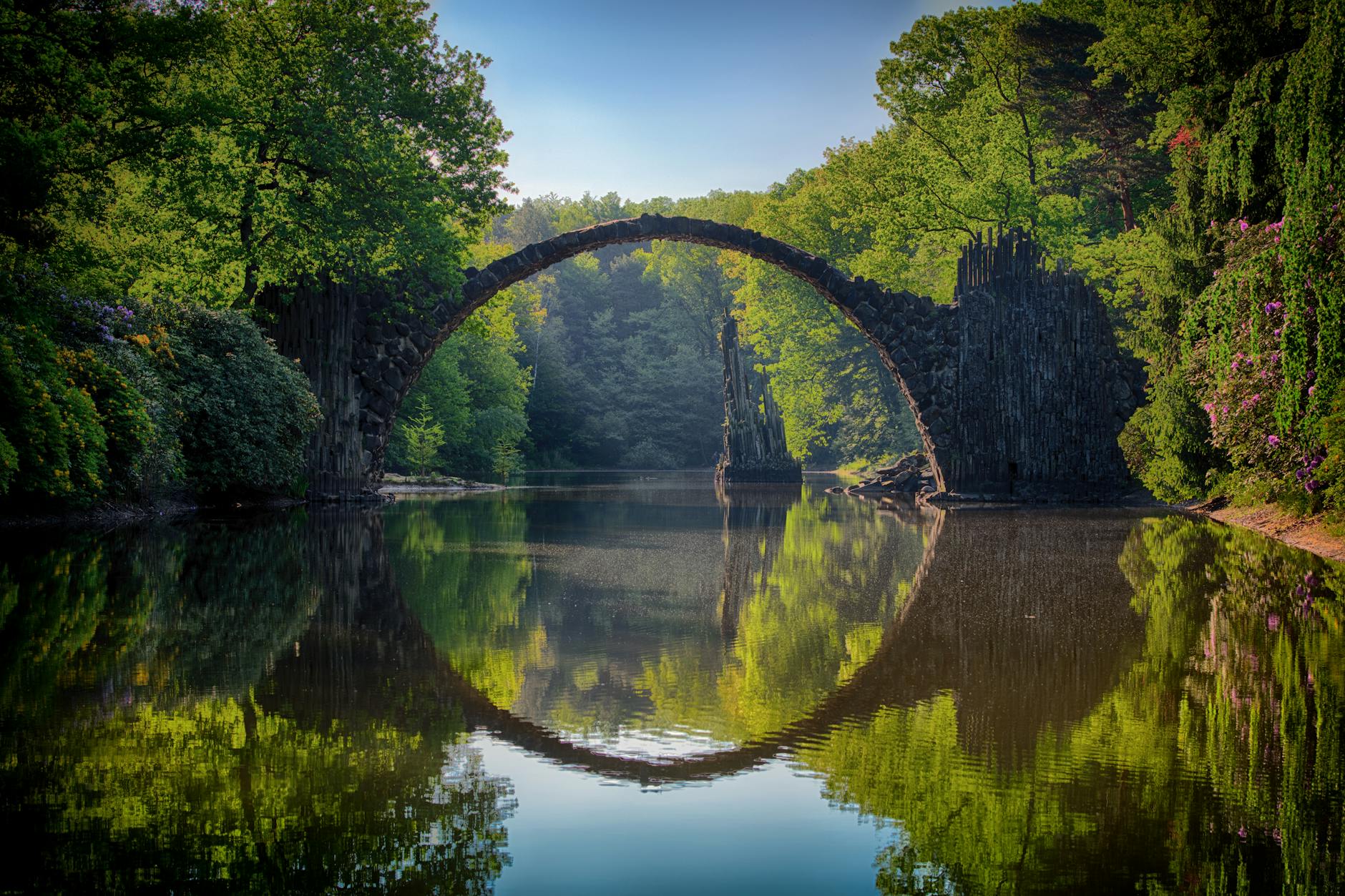
For the first assignment, I took a photograph of nature and recolored it in different ways to see how the mood changes between the images.
Duotone
Full Color
Monochrome
Selective Color
Out of all the images above, I liked the selective color the most because the contrast between the black and white and the only bits of color catches my interest. Sometimes not everyone notices the small things in life that are oftentimes beautiful, you just have to take the time to find it.
Telling a Story
There is a very known saying that goes like this, “A picture is worth a thousand words.” Photography is expressed differently depending on the photographer, but it can be said that each photograph has its own story. Photography is also a beautiful way of creating memories whether they be sad or happy memories. It is a way to document your life and history.
Therefore, the second assignment for this week was to capture a photo that tells a story. I decided to create a story for my photo because I was struggling with this assignment and I wanted to use this image for an assignment.
I liked the way the sun created the shadows of the screen door in front of my house because it reminded me of the leading lines of composition. The shadows lead me to the door and then look up at nature outside. I used a similar method to the first assignment, so I converted the photo to black and white and only had the green of the trees show through.
The story I took out of this is that sometimes you just have to get up and enjoy life. Go outside, relish the beauty of nature, take a walk, go for a run, do something beyond being stuck inside your home or just be on any form of technology all day. Take a break and go out with your loved ones, it doesn’t have to belong, but as long as you realize that there are many great things outside your door and that you can make a change happen.




 Sheilian's Blog